| Item | Content |
|---|---|
| +8613633851713 | |
| yu13633851713 | |
| 3232539029@qq.com |
Shopify App Team discount tutorial & support
Since Temu was founded in 2022, in just three years, the number of Temu users has caught up with Amazon. The success of Temu has verified that the Pinduoduo model is also applicable in all countries around the world.
Shopify plug-in [Team Discount], imitates Pinduoduo, invites friends to cut a cut, customers get more discounts, and the website gets more registered users and product exposure.
-
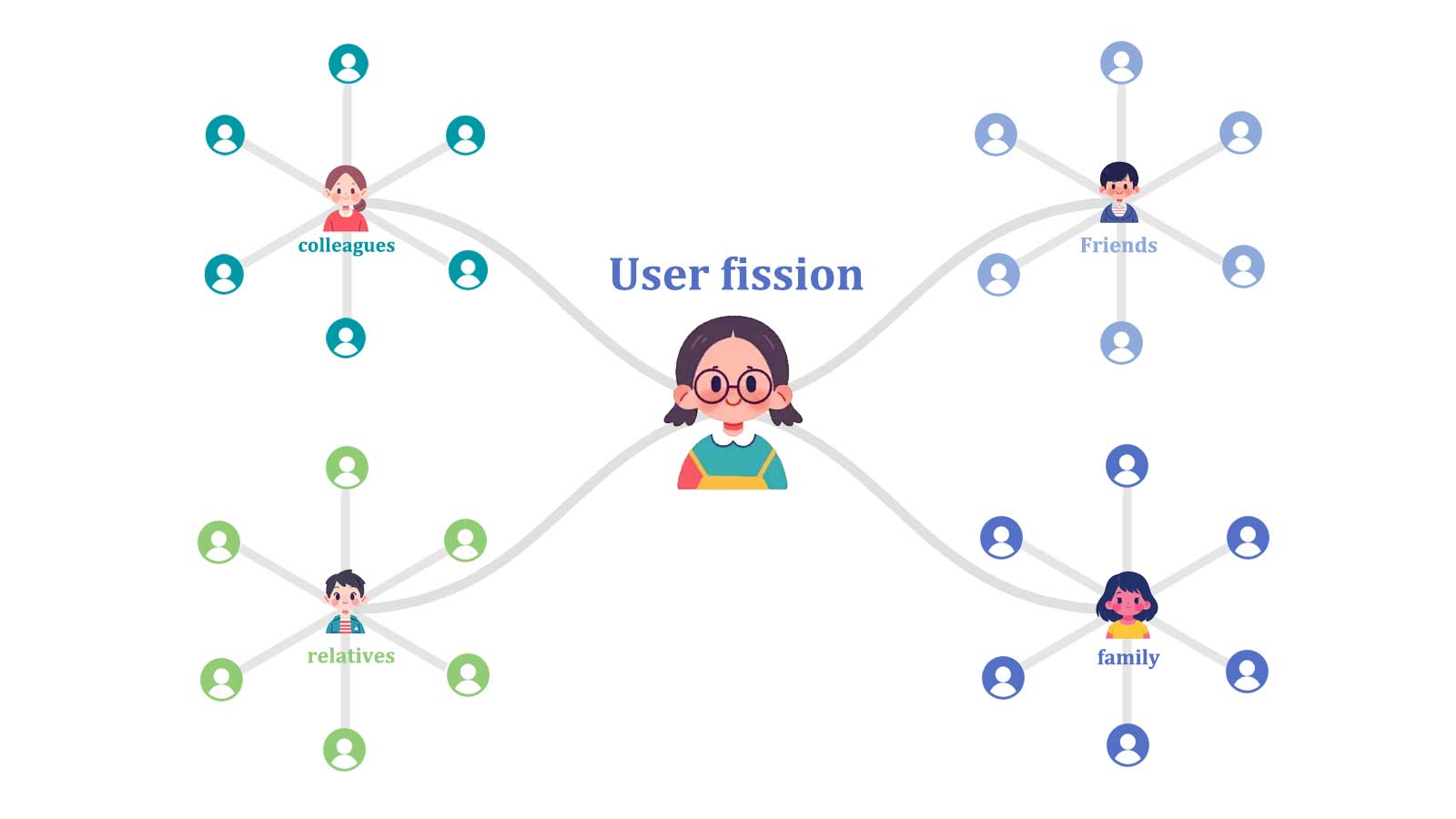
Leveraging customers' desire for more discounts, we encourage them to actively share the website with their circle of friends (family, relatives, friends, colleagues, and classmates). This has led to exponential growth in website registered users, reducing the cost of acquiring new users.
-
When friends participate in the bargaining process, they will check the products purchased by the customer, which increases the exposure of the product and the number of website visits. Reduce the cost of attracting traffic.
-
Team Up Price Down, the more friends participate in the bargaining, the more discounts and lower prices. Customers will continue to share and spread until they get the maximum discount.
-
The process is simple and the operation is convenient, without the routine of Pinduoduo. Friends only need to spin the lucky wheel to get a random lucky discount.
-
The lucky wheel module adds fun to the interaction between the website and customers.
-
The generated exclusive coupon can only be used once by the event organizer, ensuring the security of the funds.
Contact Us
We provide free technical support. If you have any questions, please feel free to contact us.
Online Demo
We provide a shopify test store and Team Discount management backend for customers to test.
| Item | Content |
|---|---|
| Shopify Shop(Demo) | https://teamdiscounts.myshopify.com/ |
| Shopify Shop Password(Demo) | 111111 |
| Team Discount Backend(Demo) | https://teamdiscount.artryon.cn/index.php/home/user/login.html |
| Team Discount Backend Username(Demo) | teamdiscounts |
| Team Discount Backend Password(Demo) | teamdiscounts |
Step One: Get access token
Authorization required:
-
1. [read_customers, write_customers], Used to get customer's email and name.
-
2. [read_discounts, write_discounts], Used to generate coupons.
-
3. [read_script_tags, write_script_tags], Used to insert buttons on the store front.
Step Two: Start setting up
- 1. Turn on the app status.
- 2. Set the location of the TeamDiscount button in the store.
- 3. Set the text of the App button.
- 4. Set the theme color of the lucky wheel.
Front-end store operation demonstration
- 1. Add products to the shopping cart.
- 2. Initiate friends assistance activity.
- 3. Generate coupon.
- 4. Check out with the coupon.
Team Cart List & Report
- 1. Team cart list.
- 2. View team cart detail.
- 3. Team cart export to excel.
- 4. Team cart report.
Add JavaScript code to the theme (optional)
If the customer logs in directly and participates in the lucky discount event, teamdiscount runs normally.
If the customer logs in with a cookie, sometimes it will prompt that the customer is not logged in. Add the following code snippet to the theme.liquid file to solve this bug.
                    <script type="text/javascript">
                        window.teamdiscount = {
                            customer_id :  '{{ customer.id }}',
                            first_name: '{{ customer.first_name }}',
                            last_name:  '{{ customer.last_name }}',
                            email:  '{{ customer.email }}',
                        };
                    </script>